
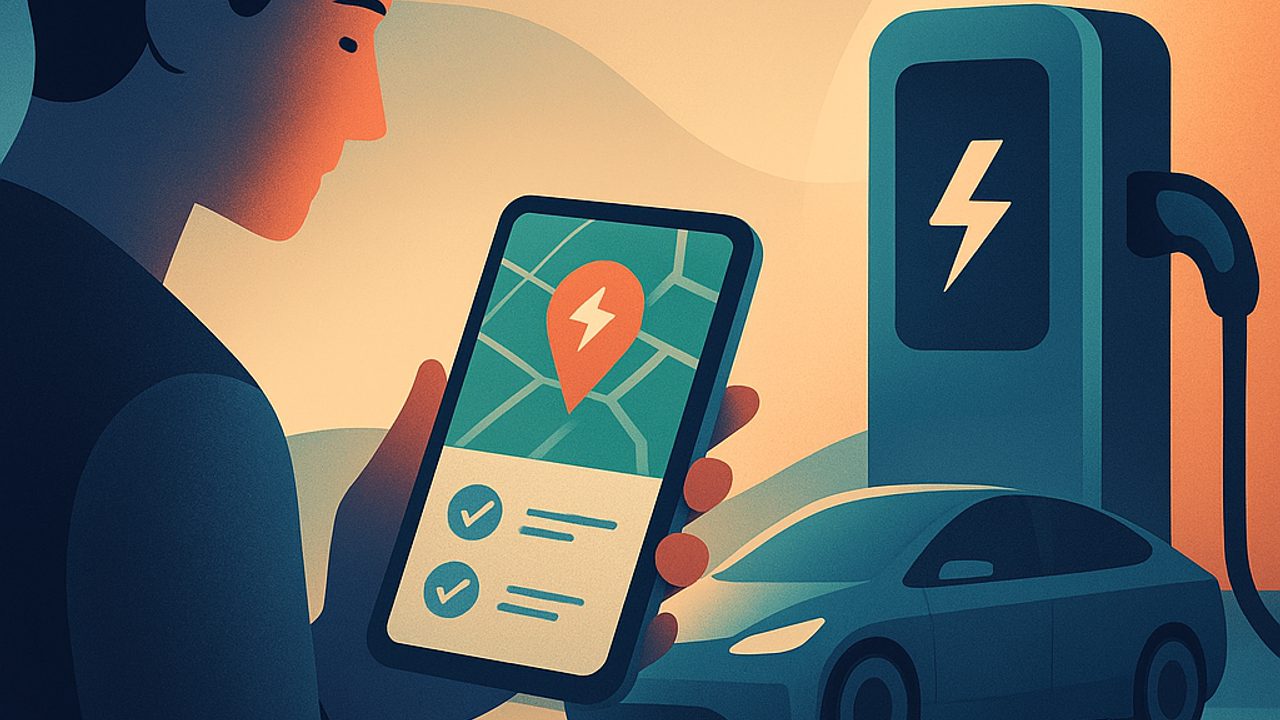
Charger apps are the first real contact many people have with public charging. They show where to charge, how much it costs, and whether the station is working. When used without criteria, they become a source of frustration — and risk.
With a few simple steps, it’s possible to choose good apps, plan routes, and charge more safely from day one. The path goes from the essentials to more advanced use, without complication.
The basics: what a charger app is for
At the entry level, the app fulfills three key functions:
- Locate nearby charging points or those along the route - Inform connector type, power, and availability - Start, monitor, and end the charging session
For safety, the minimum is to check whether the app shows real-time status. This avoids arriving at an out-of-service or occupied charger, reducing improvised maneuvers and stops in poorly lit locations.
How to choose good apps without getting lost
There is no single “perfect” app. The ideal is to combine two or three, with clear criteria:
- Coverage in your region and on the routes you take - Frequent updates of charger status - Clear information on power (kW) and outlet type - User support within the app itself
Be wary of apps that don’t show the date of the last update for a location or don’t differentiate slow from fast chargers. This impacts stop time and the safety of the location.
Registration and payment: simple precautions that prevent headaches
In the rush of first use, many people register a card and start charging right away. It’s worth taking a minute:
- Use passwords different from those you already use - Enable notifications for the start and end of charging - Prefer apps that show the estimated cost before starting
These alerts help avoid unexpected charges and forgotten sessions, which can leave the car tied to the station longer than necessary.
Route planning with a focus on safety
Even in everyday urban use, planning makes a difference. Before heading out:
- Check whether there is more than one charger available in the area - Observe the location’s hours of operation - Avoid relying on a single point with the battery at its limit
On short trips, a plan B is enough. On long trips, mark stops with a battery buffer. Arriving with 5% increases stress and reduces options if something doesn’t work.
Power isn’t everything: read the context
A fast charger at an isolated station may be less safe than a semi-fast one at a mall or market. Lighting, foot traffic, and easy access matter as much as the kW shown in the app.
During charging: what to monitor in the app
After connecting the car, the app becomes the control panel:
- Confirm that charging has actually started - Monitor power and estimated time - Watch for error messages or interruptions
If something seems off, stop the session in the app before physically disconnecting. This reduces electrical risks and prevents system lockups.
Advanced use: filters, favorites, and history
With more practice, it’s worth using features that increase predictability:
- Filters by power and connector type - Favorites for reliable locations - Session history to understand consumption and time
This data helps create safer routines, avoiding trials at unfamiliar locations when the battery is low.
Best practices that make a difference day to day
Some simple habits raise the level of safety when using apps:
- Update apps regularly - Read recent comments about the location - Avoid starting a charge and walking away without active notifications - Free up the charger as soon as you finish
Charger apps are powerful allies. When well chosen and used attentively, they turn charging into something predictable, calm, and safe — from the first charge to more advanced use.
Comments
Comments are public and the sole responsibility of the author. Don’t share personal data. We may store technical signals (e.g. IP hash) to reduce spam and remove abusive, illegal, or off-topic content.