
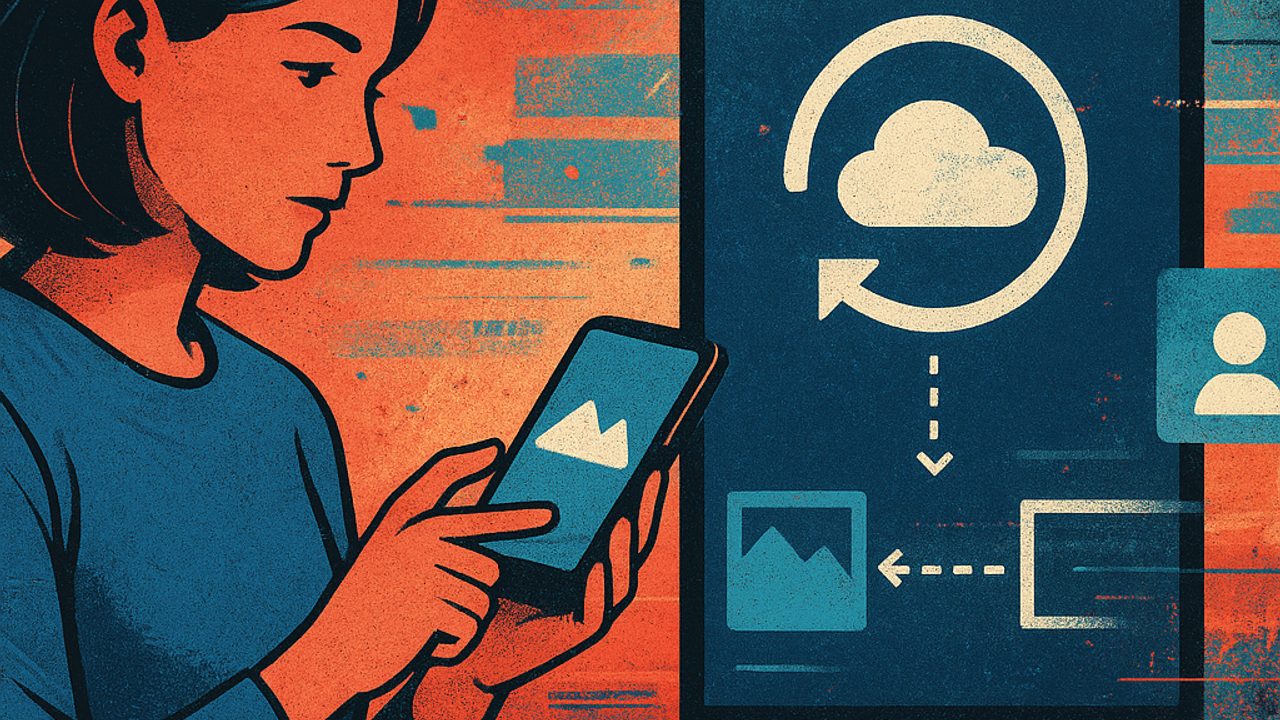
Switching phones or ensuring copies of photos and conversations often comes with anxiety — and the feeling that the battery goes with it. That’s not always the case. There are simple habits that protect your data while still respecting day‑to‑day autonomy.
The problem is that myths persist: backup “pulls” power all the time, transfer only works with the phone plugged in, or turning everything off is the only way to save power. Let’s look at the facts.
Myth: automatic backup drains the battery all day long
Partly true. Backup doesn’t run nonstop. In general, it kicks in when certain conditions are met, such as available Wi‑Fi, the phone being idle, and the battery at a safe level. There is consumption, but it’s occasional.
What weighs most on the battery is:
- Backup set to use mobile data all the time - Immediate synchronization of long videos - Duplicate cloud apps doing the same task
If the device heats up or loses charge quickly, it’s worth reviewing which services are active — the concept of backup itself isn’t the villain.
Truth: choosing when backup happens makes a difference
Leaving everything in “always” mode is usually unnecessary. Adjusting schedules and conditions reduces consumption spikes and avoids surprises when you’re away from home.
Common best practices:
- Prefer backup only over Wi‑Fi - Allow synchronization when the phone is charging - Prioritize photos and conversations; leave heavy videos for specific moments
This keeps data protected without turning the process into an invisible drain.
Myth: transferring data to a new phone kills the battery
The transfer itself isn’t the problem. What consumes more energy is the context: the screen on for a long time, unstable connections, and repeating the process due to failures.
When everything is aligned — good connection, devices close together, and the appropriate method — copying tends to be fast and predictable. Many manufacturers tune transfers to occur in blocks, reducing continuous processor strain.
Practical tip for switching devices
Before you start:
- Charge both phones above 60% - Disable automatic updates during the transfer - Keep the screen at moderate brightness
These simple details prevent overheating and sudden battery drops.
Truth: photos and videos are the biggest drivers of consumption
Text conversations take up little space and require less processing. High‑resolution photos and long videos, on the other hand, draw more energy — both during upload and cloud storage.
If autonomy is a daily priority:
- Enable photo backup only when you’re at home - Review folders that don’t need to be copied (downloads, memes, duplicates) - Use optimized quality when available
Less redundant data means fewer background activity cycles.
Myth: turning off backup is the best way to save battery
Turning everything off may save a few percentage points, but the cost shows up later: lost photos, incomplete conversations, and longer transfers in the future — which end up consuming even more energy.
Balance is usually more efficient than a total shutdown. A well‑configured backup works in favor of the battery, not against it.
Truth: duplicate apps drain more than a well‑tuned backup
Having two cloud services trying to save the same photos or chats is common — and invisible to many people. Each one wakes the system, checks files, and syncs in its own way.
It’s worth checking:
- Which apps have backup permission - Whether there’s overlap between services - Which ones can be disabled without losing important data
Less background competition means more predictable consumption.
How to protect data without sacrificing autonomy
In daily use, some simple decisions make a real difference:
- Prefer incremental backups, not full ones, whenever possible - Avoid starting large transfers with low battery - Check the usage report to identify excesses
Backup and transfer don’t have to be synonymous with a red battery. With conscious adjustments, you can keep photos and conversations safe — and still leave home without a charger in your pocket.
Comments
Comments are public and the sole responsibility of the author. Don’t share personal data. We may store technical signals (e.g. IP hash) to reduce spam and remove abusive, illegal, or off-topic content.