
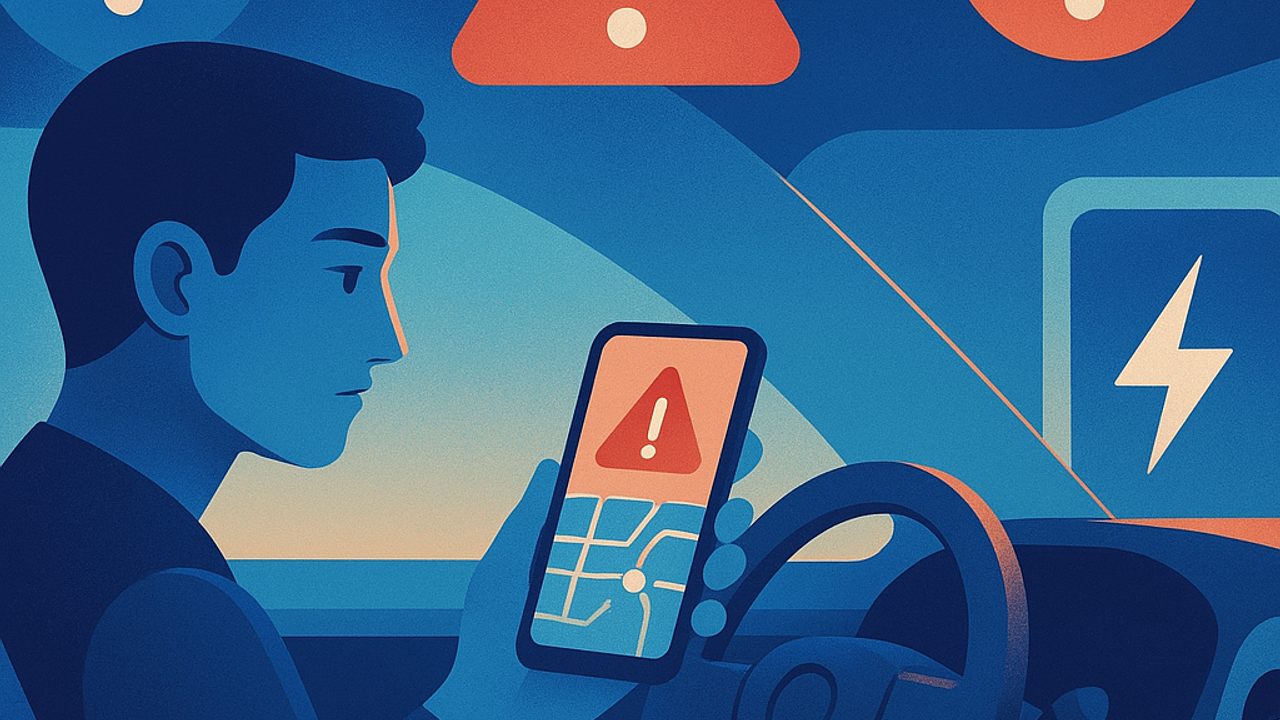
Charger apps have become the treasure map for people who drive electric. They show nearby points, promise availability, and even estimate costs. The problem is trusting too much without checking the right signs.
For beginners, small details make a big difference in safety: arriving with low battery, finding the point offline, or using an incompatible plug turns into stress — and risk. Below are three common warning signs in apps and what to do to plan better.
Sign 1: “Available” without a recent update
The app shows the charger as free, but the status hasn’t changed for hours — or days. This is a classic warning. In heavily used locations, outdated information often indicates a communication failure or pending maintenance.
**What to do:** - Check the time of the last status update. - Give preference to points with frequent updates and a recent usage history. - Have a plan B within a few kilometers, especially if your battery is below 30%.
Practical tip
If the app shows recent user comments, read the last two. They often say whether the “available” status is real or just theoretical.
Sign 2: Promised power that doesn’t match reality
Some apps highlight eye-catching numbers: 50 kW, 150 kW, 350 kW. In practice, delivered power depends on the charger, the car, and the battery’s state. When the app doesn’t provide clear limits, there’s a risk of frustration — and of making poor choices.
**What to do:** - Check whether the app shows **maximum** power and **typical** power. - Confirm that the connector is compatible with your car. - For beginners, prioritize chargers whose power you already know and have used safely.
Safety note
Arriving expecting fast charging and getting stuck with slow charging in an isolated location increases downtime and exposure. Planning reduces this risk.
Sign 3: Lack of information about the location
When the app shows only the point on the map, without details about the surroundings, it’s a red flag. Lighting, 24/7 access, foot traffic, and shelter from rain matter — a lot.
**What to do:** - Look for indications that the charger is in an open, well-lit location. - Avoid trying new points at night or during low-traffic hours. - Prefer locations integrated into parking garages, gas stations, or shopping centers.
Simple planning that increases safety
Beyond spotting warnings, a few habits make app use more reliable day to day:
- **Don’t plan to the limit.** Arrive with a battery buffer. - **Save favorites.** Tested chargers become safety anchors. - **Combine apps.** One confirms the other’s information. - **Avoid first tries on long trips.** Test new points on short drives.
When the app fails, the car still rules
The onboard computer and the vehicle manual provide clear limits on power, connector types, and safe charging times. Use these references to filter what the app promises.
If something doesn’t match — power too high for your model, unrealistic time, generic connector — treat it as a warning. Better to lose a few minutes replanning than to gain a problem while stranded.
Starting well is building a routine
Over time, you learn which apps work best in your region and which points are reliable. For beginners, safety comes from repetition: same locations, same times, same types of charging.
Apps are powerful tools, but they don’t replace basic attention. Reading the right signs turns planning into something calm — and keeps charging what it should be: a predictable pause, not an unnecessary risk.
Comments
Comments are public and the sole responsibility of the author. Don’t share personal data. We may store technical signals (e.g. IP hash) to reduce spam and remove abusive, illegal, or off-topic content.