
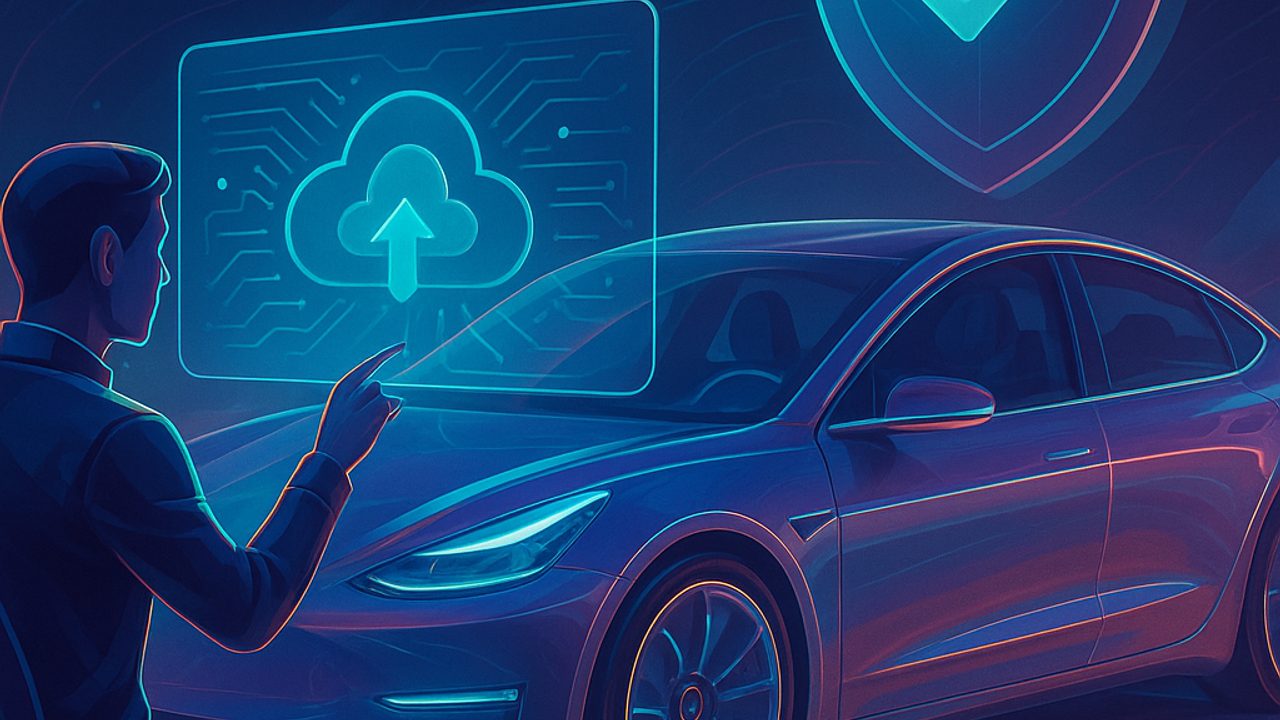
Over-the-air (OTA) software updates have become part of everyday life for electric cars. They arrive via the internet and can change everything from the interface to the behavior of critical systems.
For those just getting started, it is common to confuse promises with risks. Below, we separate myths and truths with a focus on safety, explaining what really changes and which simple precautions make a difference.
What is an OTA update (without jargon)
OTA is the remote update of a vehicle’s software, without a visit to the dealership. The package is downloaded by the car (via Wi‑Fi or mobile network) and installed following the manufacturer’s safety rules.
In electric vehicles, software coordinates the battery, motor, electronic brakes, and driving assistance systems. That is why updating is not just about “getting new features”: it is about keeping the system aligned with fixes and improvements.
Myth: every OTA changes the way the car drives
Not every update alters acceleration, regenerative braking, or steering. Many OTAs focus on:
- Fixes for specific issues - Adjustments in communication between modules - Multimedia system stability - Cybersecurity
Noticeable changes behind the wheel are usually communicated in advance. When there is a behavior adjustment, it is gradual and tested so as not to surprise the driver.
Truth: OTAs can fix safety issues
Remote updates make it possible to fix vulnerabilities without waiting for an in-person campaign. This includes:
- Adjustments to sensors and cameras - Improvements to assistance systems (such as stability control) - Bug fixes that could generate false alerts or temporary loss of functions
In practice, keeping the car up to date reduces the chance of driving with a problem that is already known and fixed.
Myth: updating is risky and can “brick” the car
Cases of failure during an update exist, but they are rare. Systems are designed to:
- Check for a minimum battery charge before starting - Prevent vehicle use during installation - Revert to the previous version if something goes wrong
The risk increases when the process is forcibly interrupted. That is why following the on-screen instructions is part of safety.
Truth: there are simple precautions that prevent problems
Before accepting an OTA, it is worth checking a few basic points:
- Traction battery with adequate charge - Car parked in a safe and ventilated location - Stable connection (preferably Wi‑Fi) - Time available to complete the installation
Avoid starting the update minutes before leaving or in places with unstable signal.
During and after the update: what to watch for
After installation, it is normal for the car to restart systems. In the first few kilometers:
- Watch for messages on the dashboard - Test brakes and assistance systems at low speed - Re-adjust personal preferences, if prompted
Any persistent alert should be logged for later verification.
Truth: digital security is also vehicle safety
OTAs are not just for visible functions. They strengthen layers of protection against unauthorized access and communication failures.
Keeping the software up to date is similar to updating a phone’s operating system: it does not guarantee total immunity, but it reduces known risks and improves the vehicle’s overall reliability.
How to decide when to update (for beginners)
A practical and conservative rule:
- Read the update summary - Prioritize versions classified as "recommended" or "security" - If you are traveling or need the car in the short term, schedule it for a calm moment
OTA updates are part of the evolution of electric vehicles. With information and basic care, they tend to add safety — not take it away.
Comments
Comments are public and the sole responsibility of the author. Don’t share personal data. We may store technical signals (e.g. IP hash) to reduce spam and remove abusive, illegal, or off-topic content.