
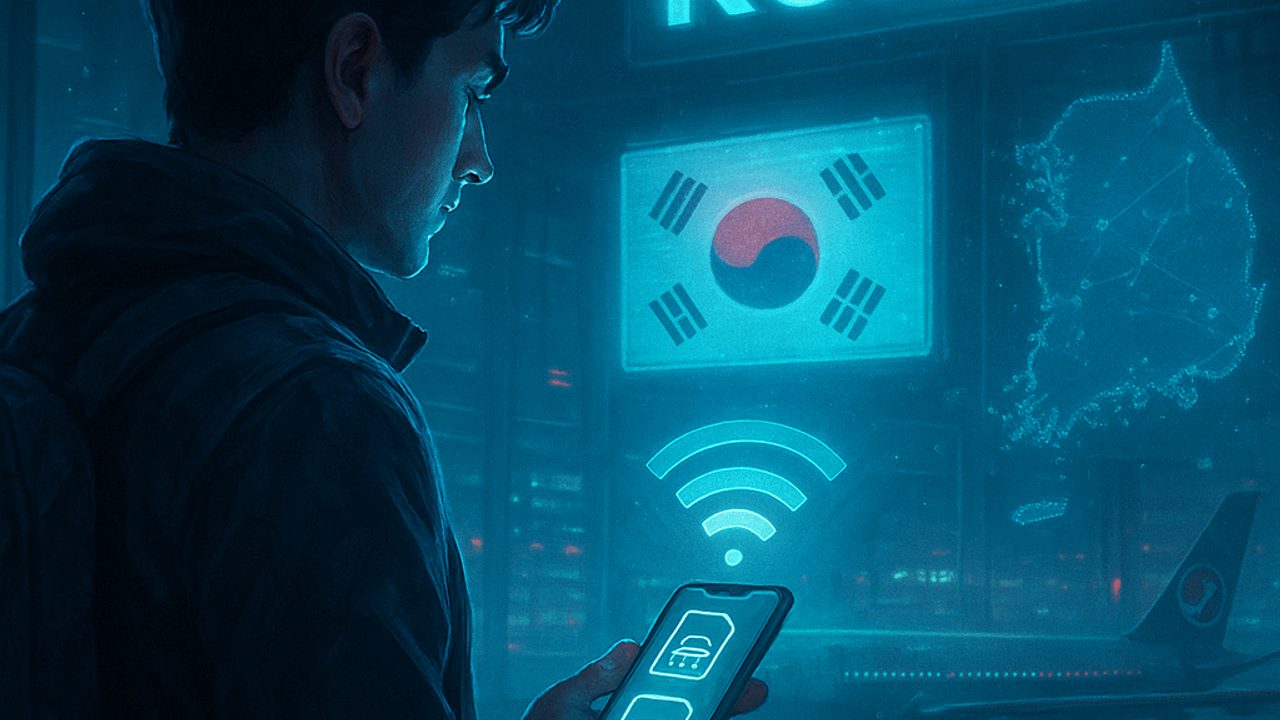
Staying connected in South Korea is easy — as long as you plan ahead. The infrastructure is excellent, and most travel tasks (maps, transportation, bookings) depend on a stable internet connection.
This 3-day plan focuses on the essentials of planning and digital logistics for a first trip, with practical decisions about eSIM/SIM, Wi‑Fi, useful apps, and small adjustments that save time at the destination.
Day 1 — Choosing between eSIM or physical SIM: what makes more sense
Start by deciding how you’ll connect. For most travelers, eSIM is the most practical option; a physical SIM is still useful in some cases.
**eSIM (recommended for a first trip)** - Activation before leaving home - No need to swap SIM cards - Ideal for those who arrive tired and want immediate internet
**Physical SIM** - Can be purchased at the airport - Useful for phones without eSIM support - Requires pickup and installation at a counter
Practical tip: check in advance whether your device supports eSIM and is unlocked.
Day 1 — How much data to buy and for how long
South Korea uses data quickly: detailed maps, translators, and explanatory videos are part of daily life.
For a typical urban trip: - **3 to 5 days**: unlimited data plans are usually worth it - **Moderate use**: maps, messaging, social media - **Heavy use**: navigation, short videos, voice calls
Avoid very limited plans. The price difference is usually small, and the peace of mind is worth it.
Day 2 — Public Wi‑Fi and when to rely on it
Public Wi‑Fi is common in subways, cafés, malls, and hotels. Still, it works best as a complement.
Use public Wi‑Fi for: - App updates - Photo backups - End-of-day planning
Prefer mobile data for: - Real-time navigation - Calls and translators - Use in transit and on the street
This way, you avoid connection drops and save time.
Day 2 — Essential apps that require constant internet
Set aside time to install and test apps before the trip. Some work best with an always-on connection.
Items worth downloading in advance: - Maps with public transit navigation - Translator with offline package - Local transportation app - Digital wallet for compatible payments
Test everything while still in Brazil to ensure settings are correct.
Day 3 — Battery, chargers, and outlets
Good internet doesn’t help if the battery dies halfway through the day. Power logistics are part of the plan.
Quick checklist: - Reliable power bank (allowed in carry-on luggage) - Fast charger - Local standard power adapter
Cafés often have outlets, but they’re not always available. A power bank prevents you from relying on that.
Day 3 — Plan B: what to do if the internet fails
Even with everything planned, unexpected issues happen. Have simple alternatives.
Prepare with: - Hotel address saved offline - Screenshots of reservations and tickets - Basic maps saved on the device
With this plan B, you can get around safely until any instability is resolved.
Final checklist before departure
- eSIM installed or physical SIM reserved - Data plan suited to the length of the trip - Apps tested and logged in - Power bank and adapters packed
With connectivity sorted out in these 3 days of planning, South Korea becomes an even easier destination to explore from the very first minute.
Comments
Comments are public and the sole responsibility of the author. Don’t share personal data. We may store technical signals (e.g. IP hash) to reduce spam and remove abusive, illegal, or off-topic content.